For a long time, car makers treated software like an afterthought. They would design the engine, body, and dashboard first, and then stuff a basic digital screen into the middle as an extra feature. The result? Dashboards crammed with dozens of confusing buttons, slow screens, and menus that felt like using a sat-nav from 2005.
Tesla turned this whole idea on its head.
Instead of building a car and sticking a screen inside it, Tesla essentially built a smart gadget on wheels. The reason driving a Tesla feels so different isn't just because it's electric; it's because the software and the physical car work together like a single, seamless team.
Here is a look at why that experience feels so natural, and what anyone building digital products can learn from it.
1. The software knows what the car is doing
In most products, software just sits on a screen waiting for you to press a button. In a Tesla, the software is deeply connected to every single physical part of the car.
Take charging as a simple example:
When you use the car's built-in map to navigate to a fast charger, you don't just get driving directions. On the way there, the car silently starts warming up its own battery under the floor. By the time you pull up, the battery is at the exact right temperature to charge as fast as possible.
You didn't have to turn on a 'battery warmer' or check a manual. You just set a destination, and the car handles the physical preparation for you in the background.
That is the true secret to great software: doing the helpful heavy lifting automatically so the person using it doesn't have to think about it.
2. Keeping things simple and uncluttered
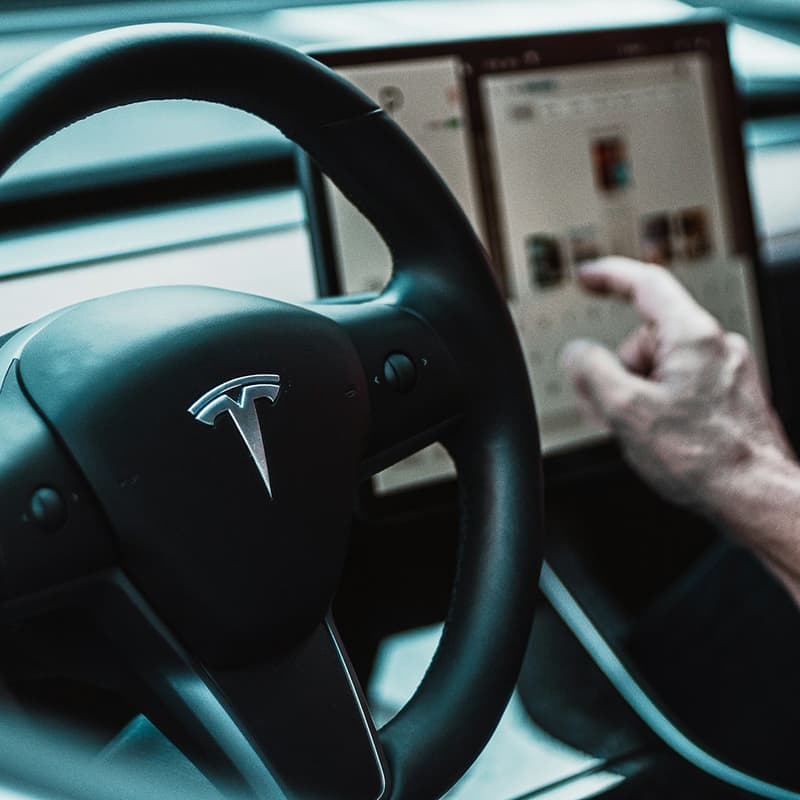
When you step inside a Tesla, the first thing you notice is what isn't there. There are no rows of knobs, no air vent levers, and no clutter on the dashboard. Almost everything has been moved to one large central screen.
To make sure a single screen didn't end up feeling messy, Tesla designed the software around a few very simple ideas:
1. Everything important is one tap away
You don't have to dig through endless folders or menus. Essential things like climate control, music, and car settings sit at the bottom of the screen all the time.
2. Controls appear only when you need them
If you drive up to your house, a button to open your garage door automatically pops up on the screen. If you get a phone call, the car automatically turns down the air conditioning fans so it's quiet enough to speak.
3. You control things by touching what you see
Want to change where the air blows? You don't twist a physical vent. You just drag a soft stream of air on a picture of the car cabin on your screen.
By showing people only what matters in the moment, the software stays easy and stress-free to use.
3. A car that gets better overnight
In the past, the day you bought a car was the absolute best it was ever going to be. From that moment on, it slowly aged and felt more outdated every year.
Tesla brought the phone update model to cars through 'Over-The-Air updates'.
Just like your smartphone updates overnight to give you new features or a fresh look, a Tesla updates while it's parked in your driveway. Owners regularly wake up to find their car has gained brand-new features, like a smoother ride, new games on the screen, or safer blind-spot cameras, completely free of charge.
Instead of feeling like a piece of metal that gets older every day, the car feels like a living product that keeps growing with you.
4. What can we learn from this?
You don't need to be building electric cars to use these ideas. Whether you are creating a website, an app, or an everyday digital tool, the main lessons are the same:
- Remove the clutter - look at your product and ask, "Does the user really need to see this right now?". If the answer is no, hide it until they do.
- Make things work behind the scenes - try to connect different parts of your service so users don't have to repeat steps or manually trigger things that could be automated.
- Keep improving out in the open - listen to feedback and make small, continuous updates. People love seeing the tools they use get easier and better over time.
The Big Takeaway
Building a 'Tesla-like' software experience isn't about throwing fancy graphics at a screen. It's about removing frustration, making complex mechanics feel effortless, and designing technology that gets out of your way so you can just enjoy the journey.